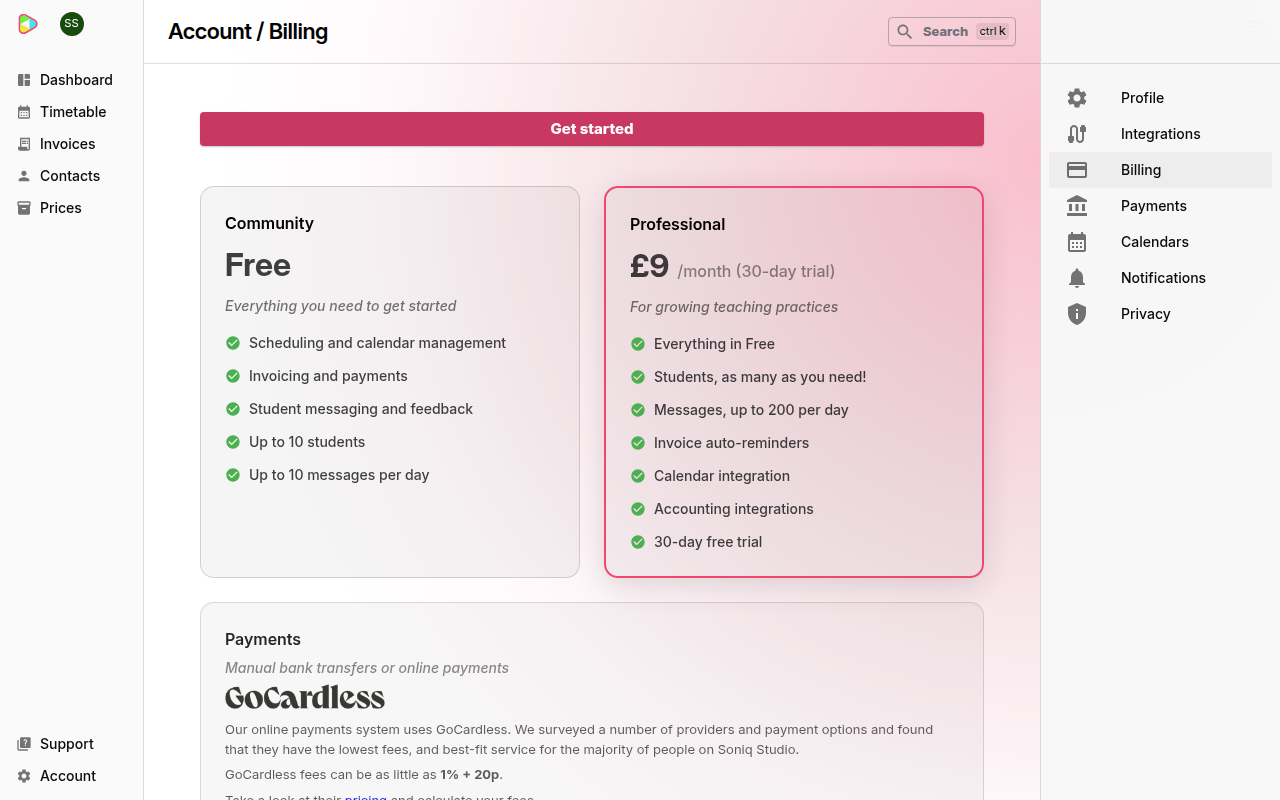
Soniq Studio has two plans: Community, which is free, and Professional, which is a monthly subscription. You change plan on the Billing page. For what each plan includes and costs, see Subscription plans and fees.
You pay for Professional by Direct Debit through GoCardless. A Direct Debit is a permission you give for a company to collect payments from your bank account.
Move to Professional
- Select Account in the sidebar.
- Select Billing.
- Select Get started.
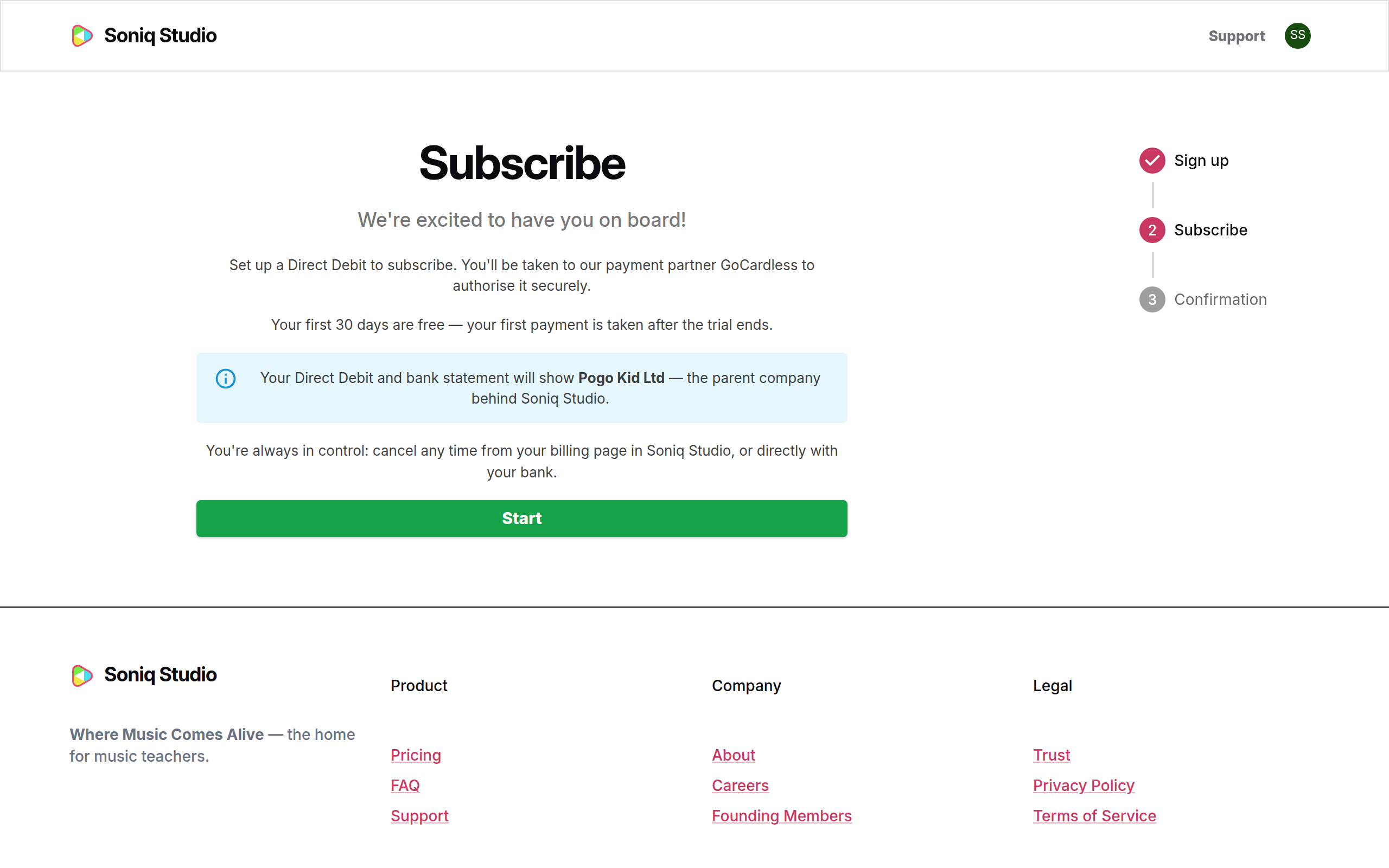
- Read the Subscribe page. Your first 30 days are free.
- Select Start. GoCardless opens in the same window.
- Enter your bank details on the GoCardless page and confirm the Direct Debit.
GoCardless sends you back to Soniq Studio. The Confirmation step shows “We’re setting up your subscription” for a moment. Then it shows Thank you!.
Your bank statement shows the payments as Pogo Kid Ltd. Pogo Kid Ltd is the company behind Soniq Studio.
If the confirmation takes longer than expected, select Return to Billing. Your subscription appears on the Billing page shortly.
Check your plan
- Select Account in the sidebar.
- Select Billing.
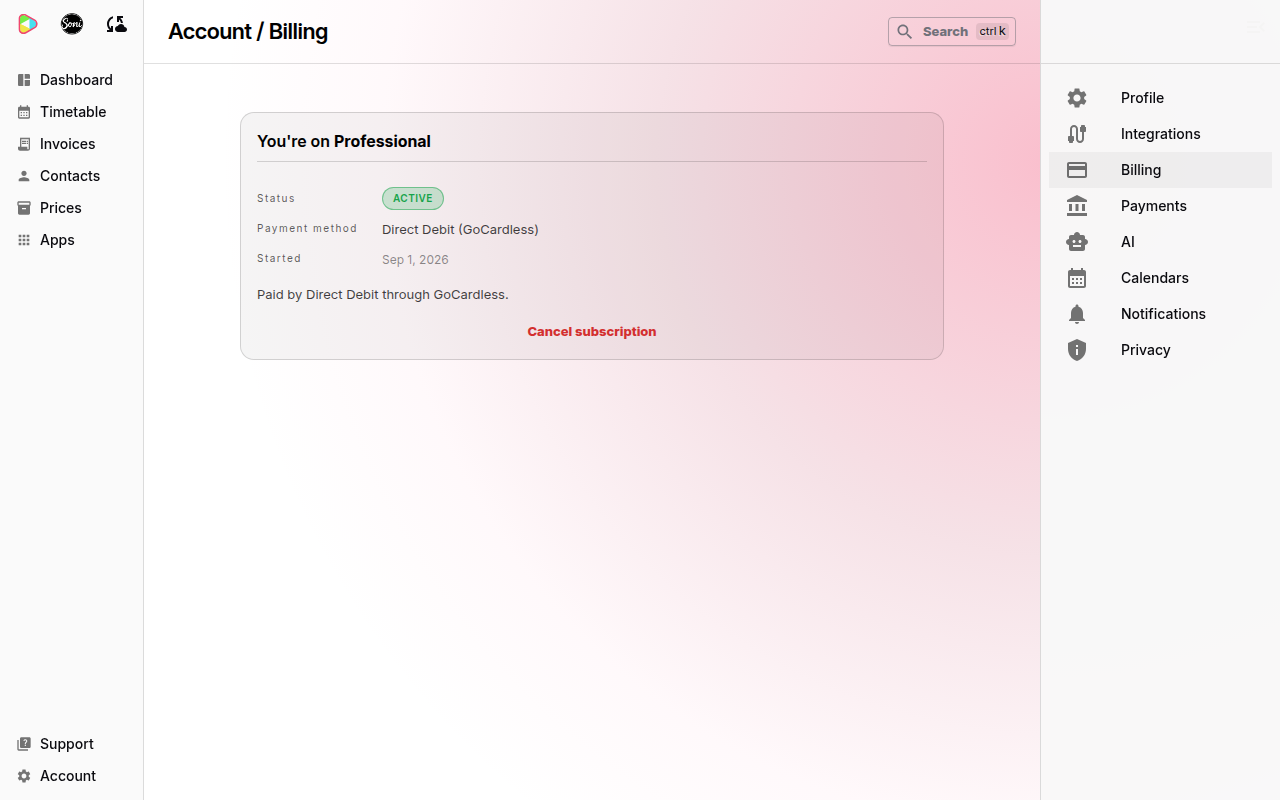
The card shows You’re on Professional, the Status, the Payment method and the date your plan Started. During the free trial, the status reads Free trial until and the date of your first payment.
Go back to the free plan
- Select Account in the sidebar.
- Select Billing.
- Select Cancel subscription.
- Select Cancel subscription again in the dialog to confirm. To keep Professional, select Keep subscription.
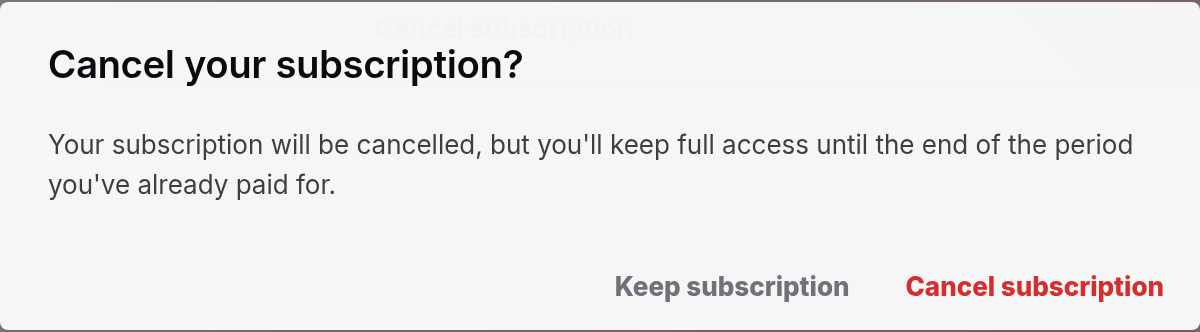
You keep Professional until the end of the period you have already paid for. The Billing page shows the date in Ends on. After that date, your account moves to the free Community plan. Your students, lessons and invoices stay as they are.
Cancel in Soniq Studio, not with your bank. The Billing page then shows the end date.
Come back to Professional after cancelling
- Select Account in the sidebar.
- Select Billing.
- Select Get started and follow the steps in Move to Professional.
If a subscription payment fails
The status changes to Payment overdue — we’re retrying. Soniq Studio emails you. Check that your bank account can pay the Direct Debit. See Notification settings for the emails we send about your subscription.